Your iPhone is full. Get the space back in a few taps.
PhoneDiet finds the large videos, duplicate photos and old screenshots filling your iPhone, so you can clear them in one pass. Everything is analysed on your phone.
 Free to download. Requires iOS 26.
- Nothing is uploaded
- iOS confirms every delete
- No weekly charges
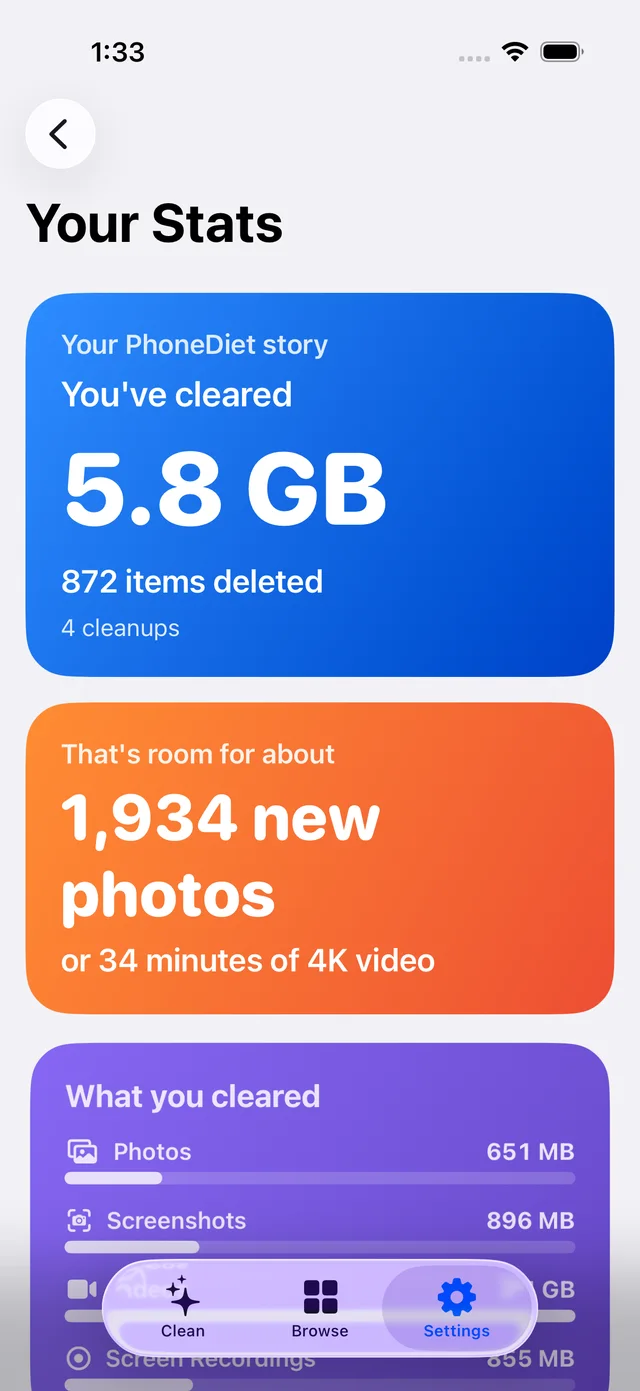
What it looks like
A familiar iPhone layout: your storage at the top, then the biggest wins first.
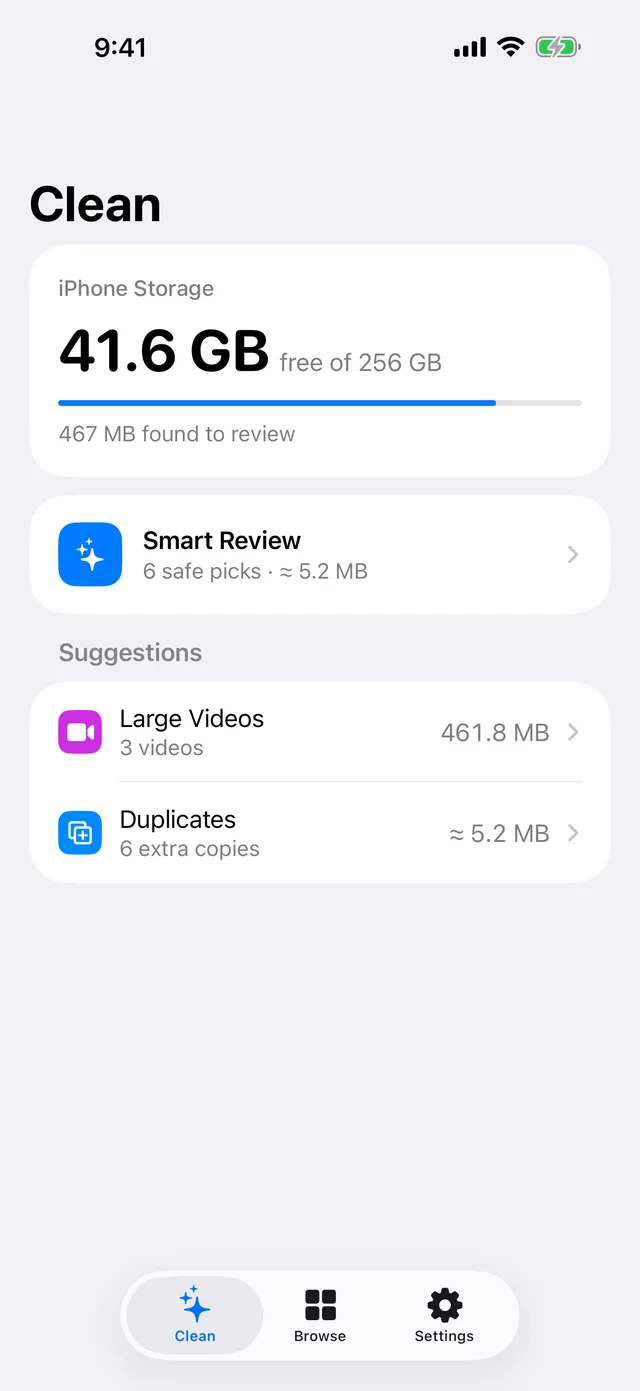
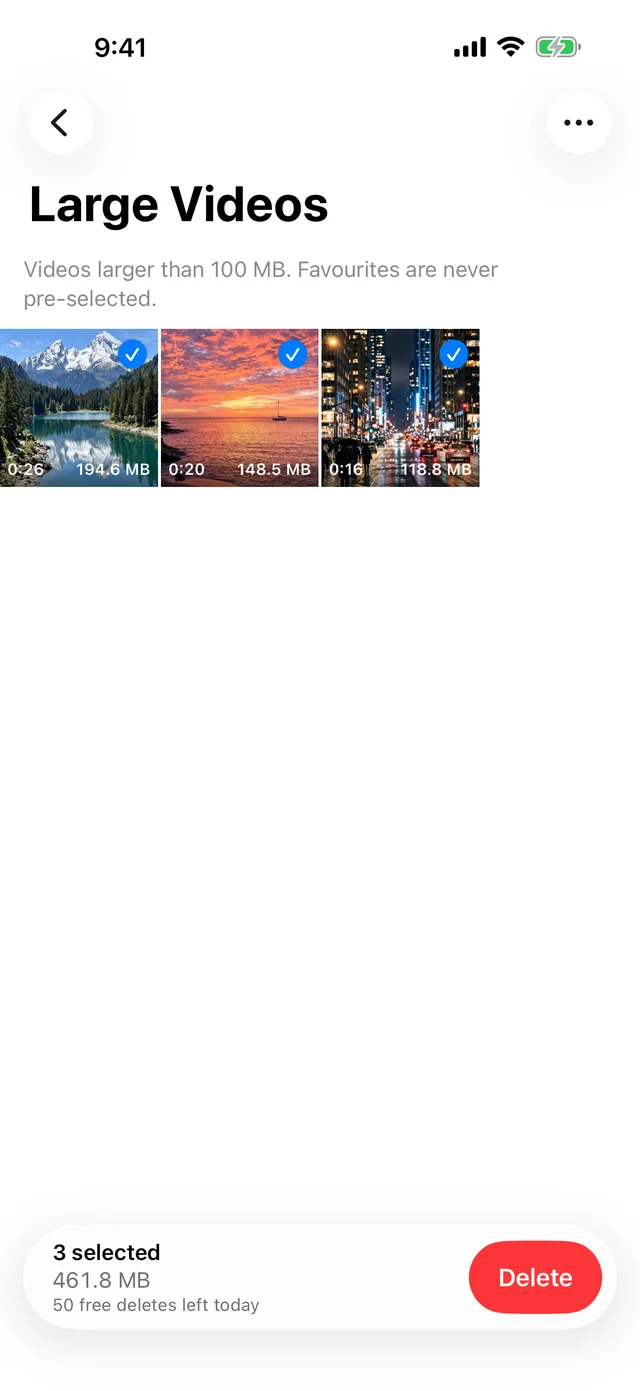
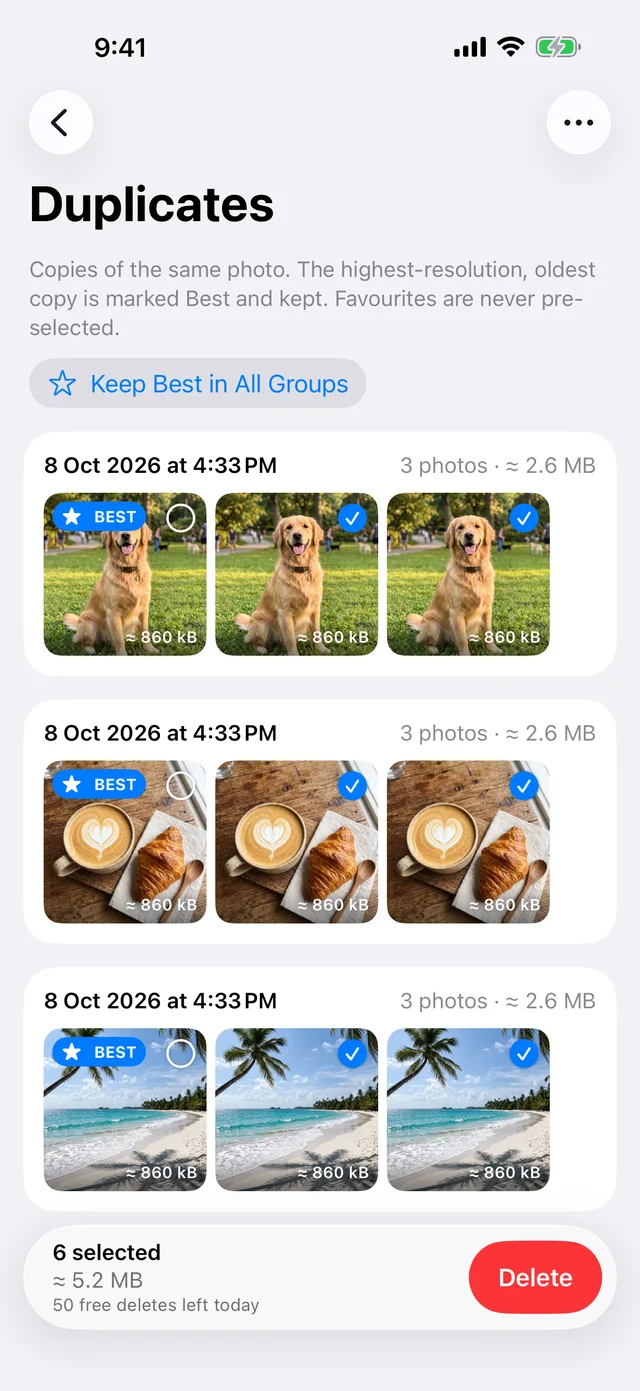
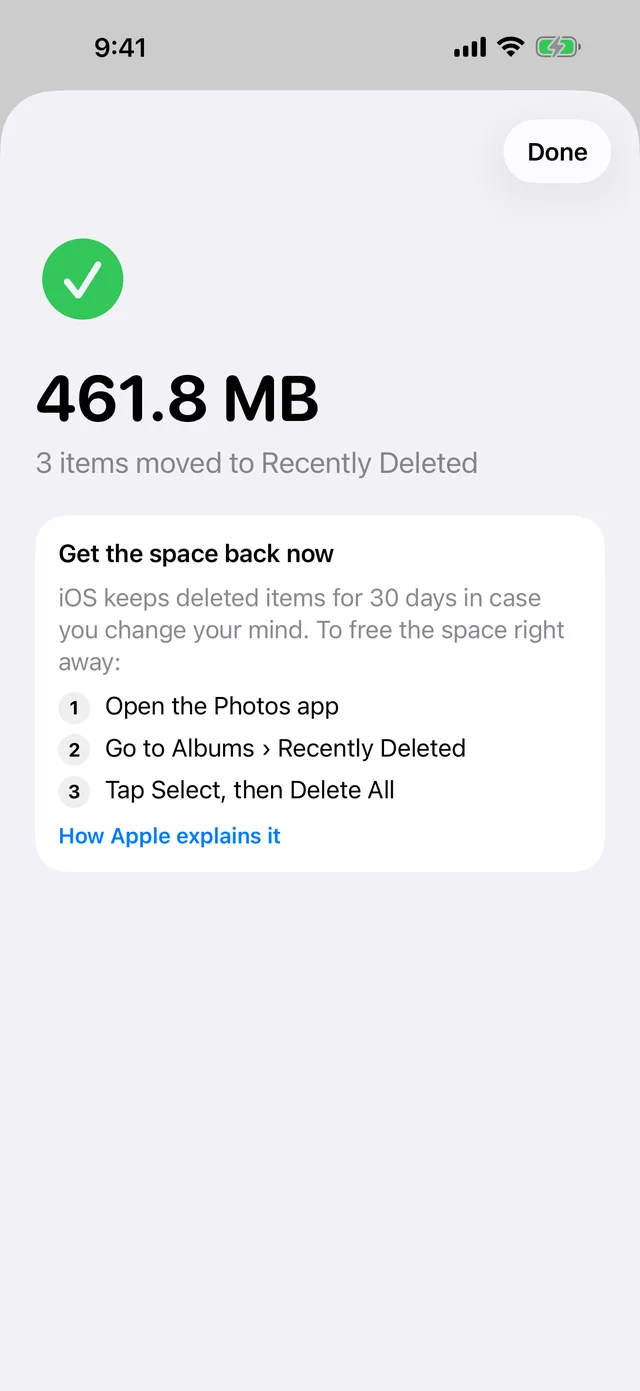
How it works
Three steps, and you stay in charge of every one.
Scan your library
Allow photo access and PhoneDiet sorts your library into large videos, duplicates, similar shots, old screenshots and screen recordings. Exact sizes are measured on your iPhone.
Review the picks
Everything is pre-selected except your favourites. Untick anything you want to keep. For duplicates and bursts, the best shot is kept for you.
Delete and confirm
Tap Delete and iOS asks you to confirm. Items wait in Recently Deleted for 30 days, so nothing is gone until you say so.
Free to scan. Fair if you stay.
Scan for free and see exactly what can go. Deleting needs Premium, which starts with a 3-day free trial.
Full scan, every category with real sizes and previews.
Delete everything it finds, plus Similar Photos with best-shot suggestions. Billed once a year, cancel any time.
Everything in Premium with a single purchase. No renewals.
Prices are shown in the App Store in your currency. No weekly plans.
iPhone storage guides
Step-by-step answers using iOS's own tools, plus the faster way with PhoneDiet.
- How to free up space on iPhoneThe quickest wins, in the order that frees the most space.
- iPhone storage full? How to fix itWhat the alert means and the safest way to get space back.
- Storage still full after deleting photosWhy the number doesn't drop, and how to release the space today.
- How to delete duplicate photos on iPhoneMerge exact copies with Photos, or catch near-copies too.
- How to delete similar photos and bursts on iPhoneKeep the best shot from every burst and near-identical set.
- How to find large videos on iPhoneFind the videos taking hundreds of megabytes each.
- How to delete old screenshots on iPhoneClear months of screenshots in one pass.
- How to empty Recently Deleted on iPhoneThe step that actually gives the space back.
- What is System Data on iPhone?What it is, why no app can clear it, and what helps.
- iPhone cleaner app without a weekly subscriptionWhat cleaner apps can really do on iOS, and fair pricing.
- How to clear System Data on iPhoneWhy it gets so high, and the steps that shrink it.
- Why does my iPhone storage keep filling up?The usual causes, and the settings that slow it down.
- iCloud storage is full on iPhone: what to doHow it differs from iPhone storage, and what to remove.
- Does Recently Deleted use storage?Yes, for up to 30 days. How to get the space back now.
- How to refresh iPhone storageMake iOS recalculate when the number looks wrong.
Choosing between apps? See how iPhone cleaner apps compare on price and privacy.
Questions
How do I free up space on my iPhone quickly?
Start with photos and videos, which use the most space on most iPhones. Delete large videos and duplicate photos, then empty Recently Deleted in Photos.
Learn more about thisWhy is my iPhone storage still full after deleting photos?
Deleted photos stay in Recently Deleted for 30 days. Empty that album to release the space immediately.
Learn more about thisHow do I delete duplicate photos on iPhone?
Use the Duplicates album in Photos, or PhoneDiet's Duplicates list, which also catches near-exact copies and keeps the best one.
Learn more about thisDoes PhoneDiet delete anything automatically?
No. You review every item, tap Delete yourself, and iOS asks you to confirm. Deleted items stay in Recently Deleted for 30 days.
Learn more about thisCan PhoneDiet clear System Data or app caches?
No. iOS doesn't let any app clear System Data or other apps' caches. PhoneDiet focuses on photos and videos, where you're in control.
Learn more about thisIs PhoneDiet free? Is there a weekly subscription?
It's free to download and scan, so you see exactly what can go and how much space it takes. Deleting needs Premium: yearly with a 3-day free trial, or a one-time Lifetime purchase. There are no weekly plans.
Learn more about thisHow do I find the largest videos on my iPhone?
Photos can't sort by size. PhoneDiet lists every video over 100 MB, largest first, with exact sizes.
Learn more about thisAre my photos uploaded anywhere?
No. All analysis runs on your iPhone. PhoneDiet has no account, no ads and no analytics.
Read the privacy policy
Put your iPhone on a diet.
Find out how much space you can get back. The scan is free.